Git GitHub Send Pull Request
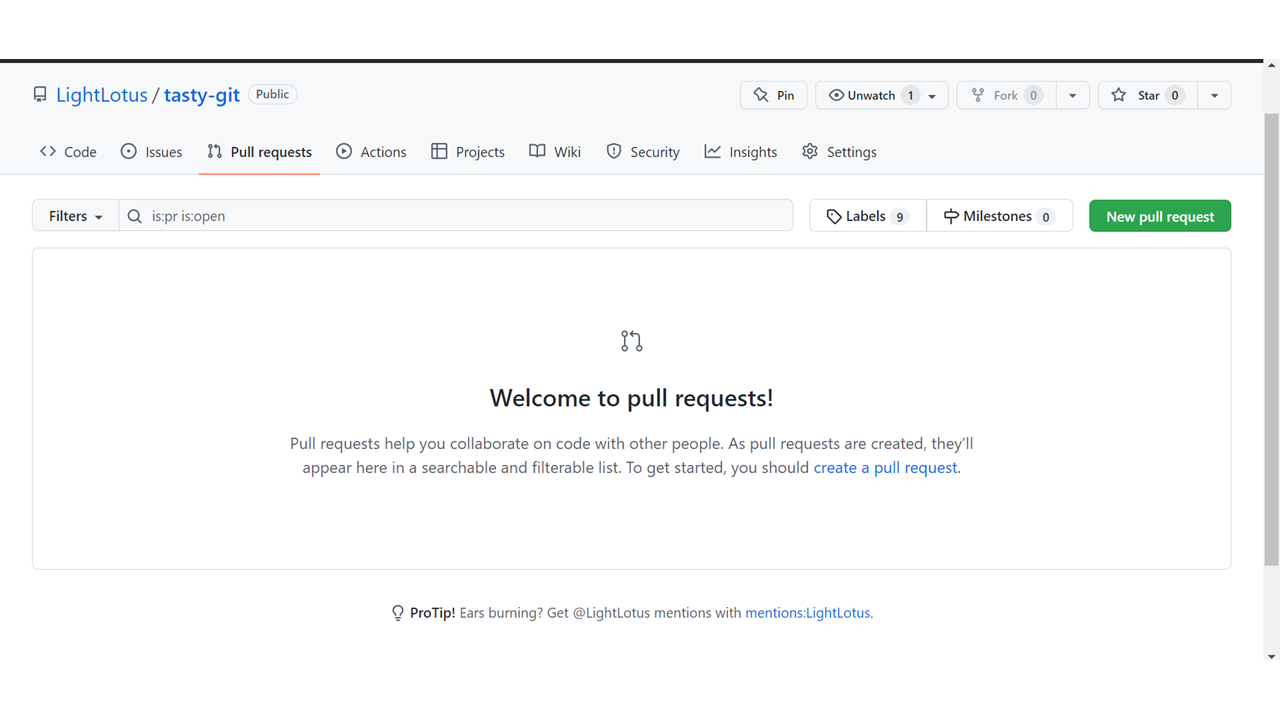
Creating a pull request
Create a pull request to propose and collaborate on changes to a repository. These changes are proposed in a branch, which ensures that the default branch only contains finished and approved work.
If you want to create a new branch for your pull request and do not have write permissions to the repository, you can fork the repository first.
You can specify which branch you'd like to merge your changes into when you create your pull request. Pull requests can only be opened between two branches that are different. Note: To open a pull request in
Push Changes to Our GitHub Fork
We have made a lot of changes to our local Git.
Now we push them to our GitHub fork:
commit the changes:
Counting objects: 100% (8/8), done.
Delta compression using up to 16 threads
Compressing objects: 100% (5/5), done.
Writing objects: 100% (5/5), 393.96 KiB | 32.83 MiB/s, done.
Total 5 (delta 0), reused 0 (delta 0), pack-reused 0
To https://github.com/kaijim/w3schools-test.github.io.git
facaeae..ebb1a5c master -> master
Go to GitHub, and we see that the repository has a new commit. And we can send a Pull Request to the original repository:
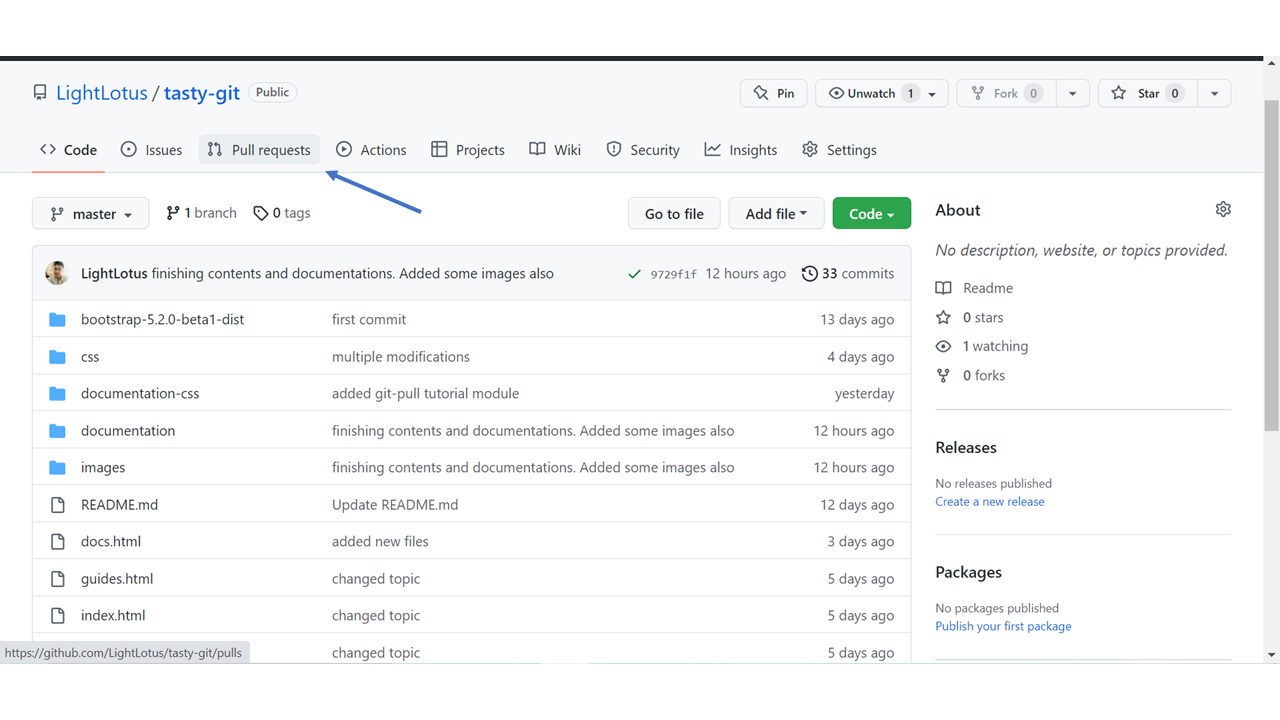
Click that and create a pull request: