Git GitHub Add SSH
Copy the SSH Public Key
In the previous chapter, we created an SSH key pair.
Now we will use the clip < command to copy the public key to our clipboard:
clip < /Users/user/.ssh/id_rsa.pub
Go to GitHub, navigate to the top left corner, click your profile, and select: Settings:

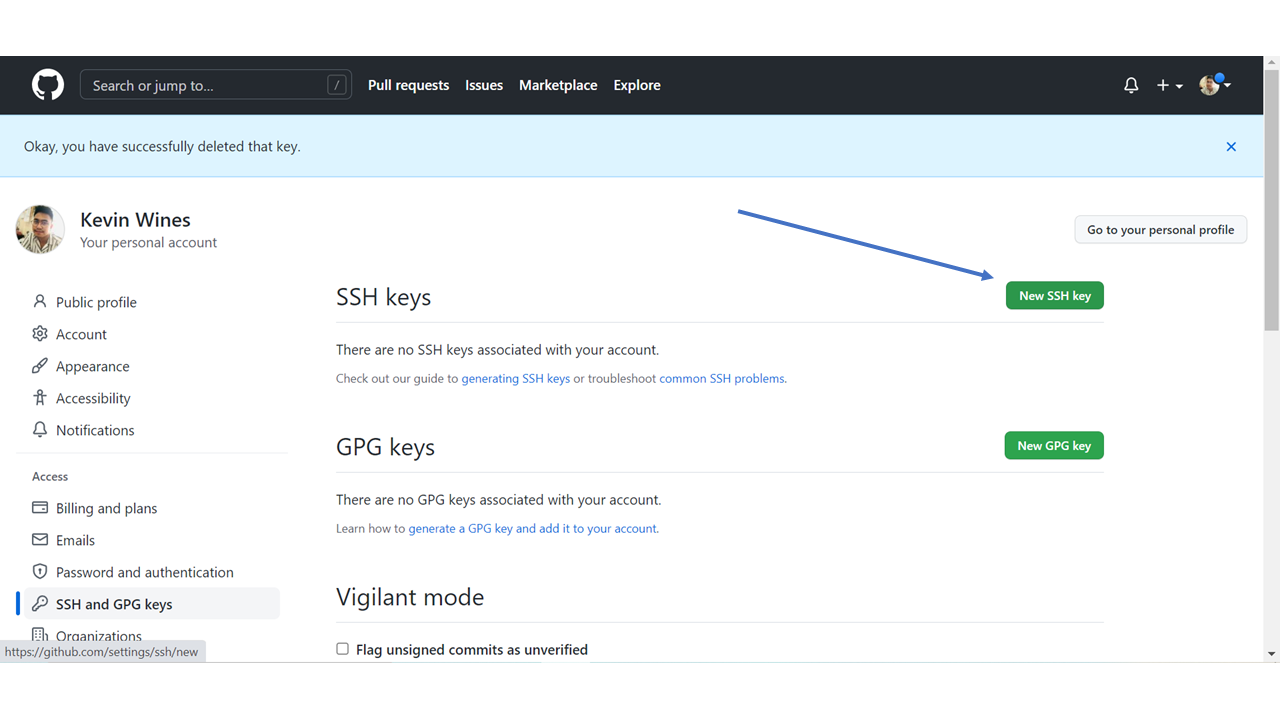
Then select "SSH and GPG keys". and click the "New SSH key" button:

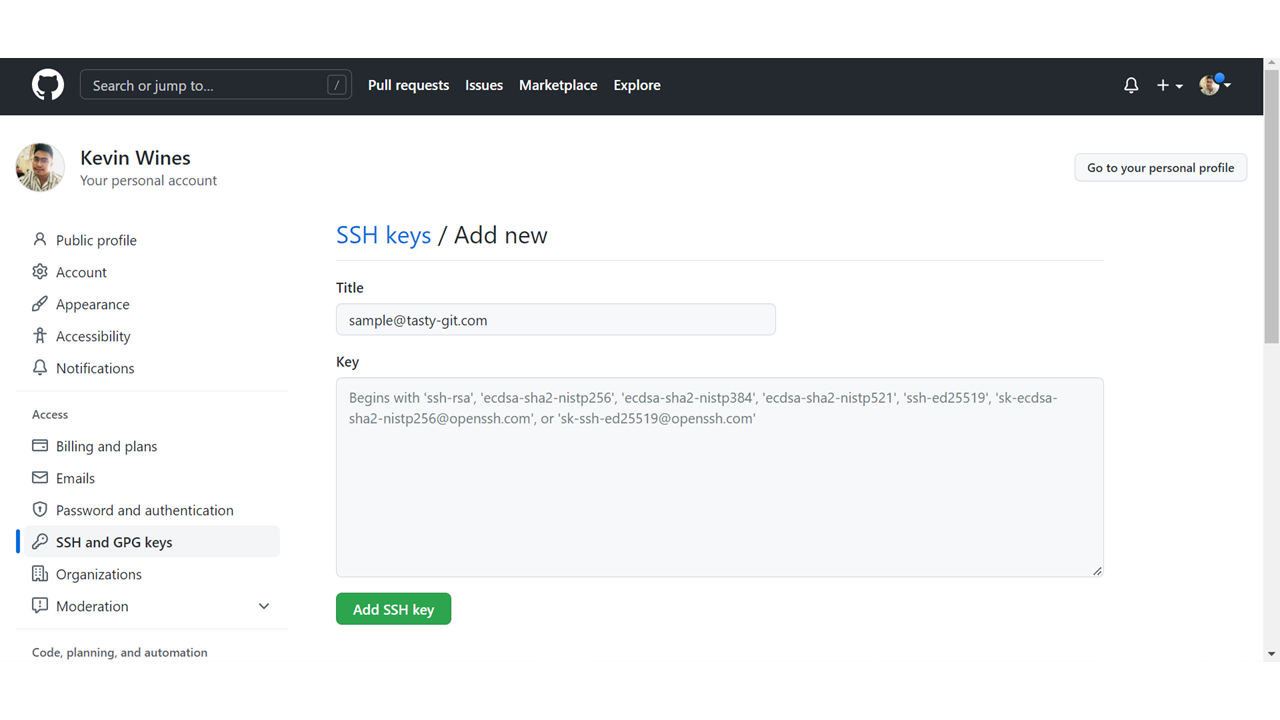
Select a title, and paste the public SSH key into the "Key" field, and click "Add SSH Key":