Git GitHub Pages
Host Your Page on GitHub
With GitHub pages, GitHub allows you to host a webpage from your repository. Let's try to use GitHub Pages to host our repository.
Creating a repository for your site
Start by signing in to GitHub. GitHub pages need a special name and setup to work, so we start by creating a new or existing repository.
If your site is an independent project, you can create a new repository to store your site's source code. If your site is associated with an existing project, you can add the source code to that project's repository, in a /docs folder on the default branch or on a different branch. For example, if you're creating a site to publish documentation for a project that's already on GitHub, you may want to store the source code for the site in the same repository as the project. If the account that owns the repository uses GitHub Free or GitHub Free for organizations, the repository must be public.
Creating your site
Before you can create your site, you must have a repository for your site on GitHub
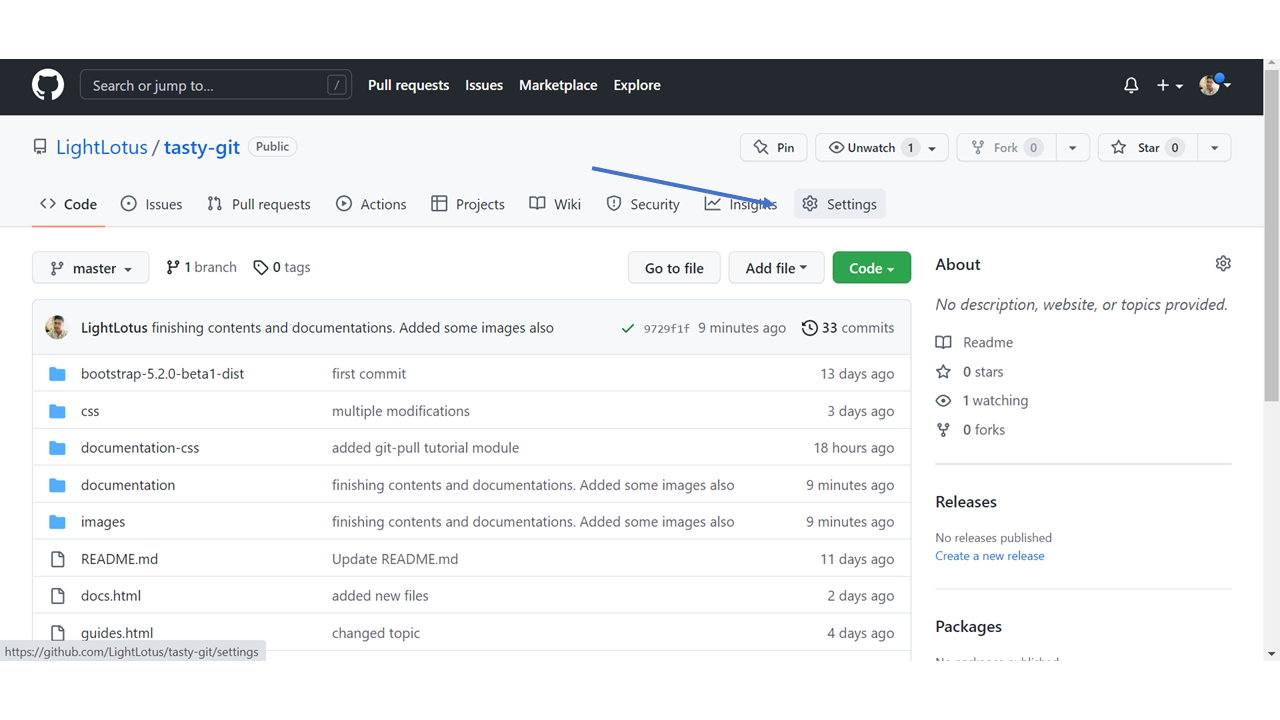
On GitHub, navigate to your site's repository and click the settings
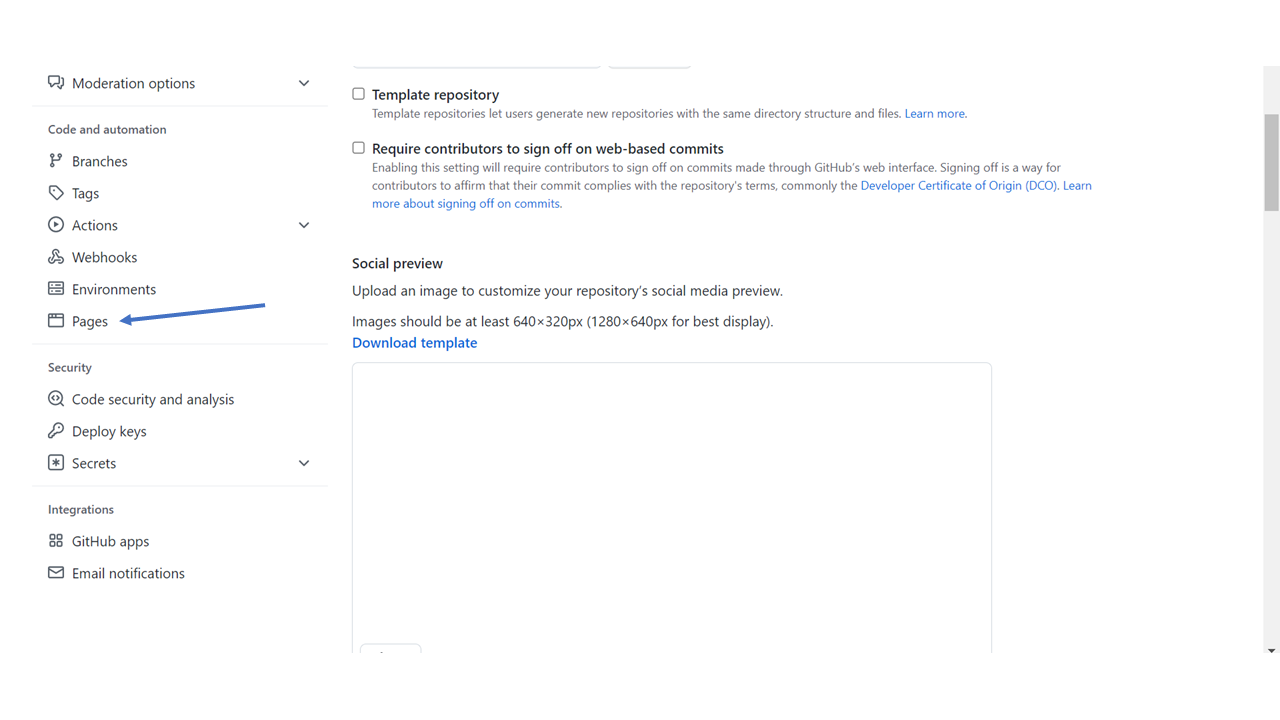
Under Code and automation, navigate to Pages
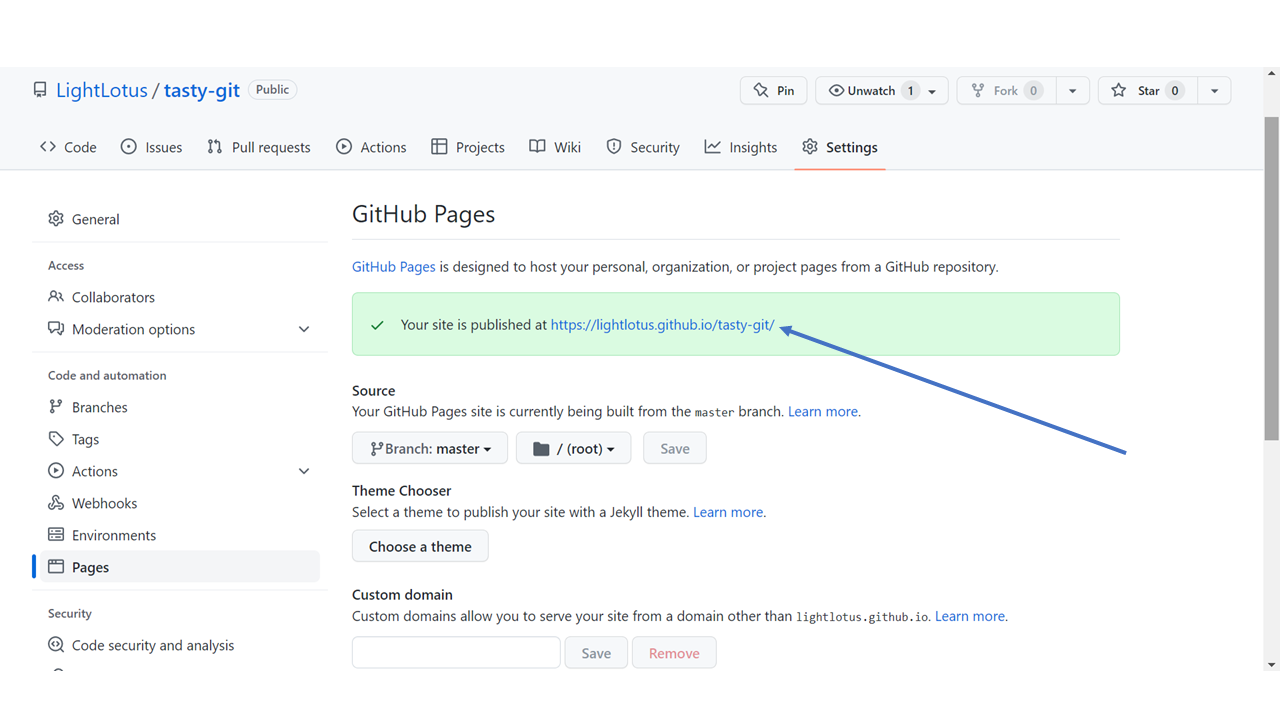
The GitHub page is created, and you can click the URL to view the result!